
Git Worktrees Are the Future (Parallel Agents)
Stop running one Claude Code session at a time.

I run three to five Claude Code sessions in parallel now. The unlock wasn’t a smarter agent. It was git worktrees.
That shift changed everything about how I ship work. The bottleneck used to be the model. Now the bottleneck is me.
One Agent at a Time
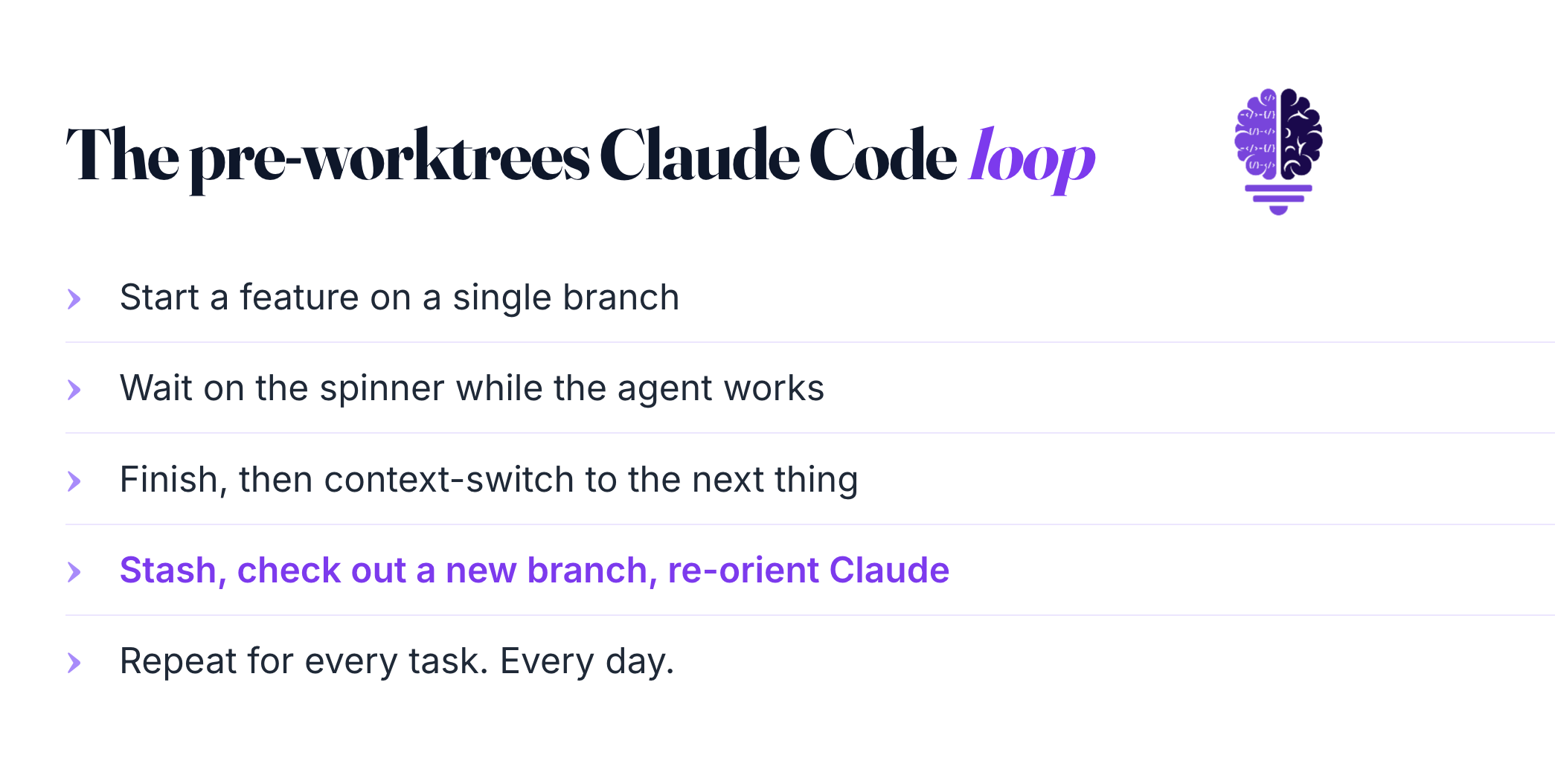
Before worktrees, my Claude Code workflow looked like every other developer’s. One repo. One branch. One task at a time.
You start a feature. You wait on the spinner. You finish. You context-switch to the next thing. You stash, you check out a new branch, you re-orient Claude to the new task. Then you do it again.
The secret is that the agent isn’t the slow part of that loop. You are.
Running two Claude Code sessions in the same checkout was a known disaster pattern. Both sessions share the working directory. Agent A rewrites src/auth.ts while Agent B refactors or works on a different file. You end up with corrupted half-applied changes or you don’t understand what’s being changed in a single PR.
So now I use git Worktrees to work on multiple tickets simultaneously.
What a Worktree Actually Is
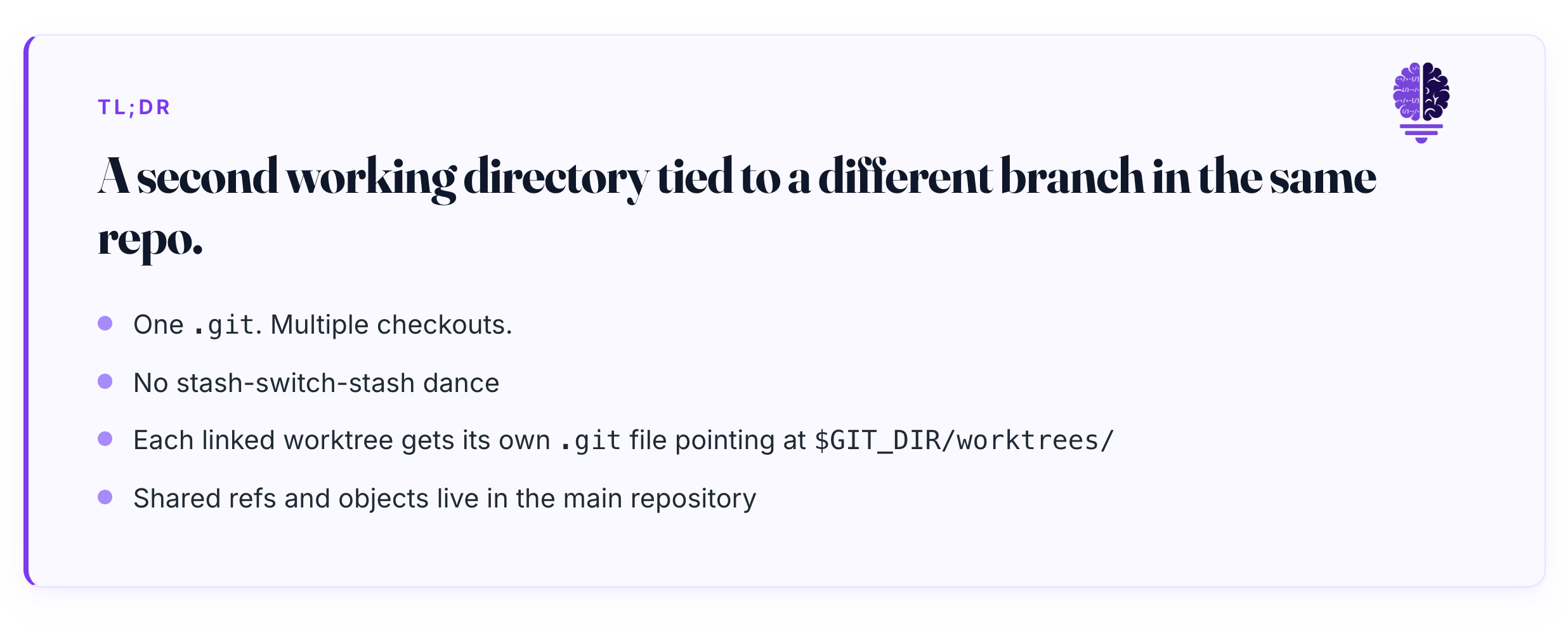
A git worktree is a second working directory tied to a different branch in the same repository. One .git. Multiple checkouts.
The official definition from the git docs is dry but accurate. A git repository can support multiple working trees, allowing you to check out more than one branch at a time. git worktree add associates a new working tree with the repository, along with metadata that differentiates that working tree from others.
Mechanically, each linked worktree gets its own .git file, not a directory, pointing at a private subdirectory inside the main repo’s $GIT_DIR/worktrees/. Shared refs and objects live in the main repository. You aren’t duplicating the history. You’re just getting a second checkout.
And what's unique here is that this isn't new. git worktree shipped in Git 2.5, on July 29, 2015. It has been sitting in your install for a decade.
Most developers never used it. There wasn’t a reason to. Branch switching was fast enough when the only thing using the working directory was a human typing.
Agents changed that workflow.
Worktrees Pair Perfectly With Agents
The core argument is simple. Each agent gets its own isolated working directory. No merge conflicts mid-task. No context bleed between sessions.
Anthropic’s own docs put it cleanly. Running each Claude Code session in its own worktree means edits in one session never touch files in another, so you can have Claude building a feature in one terminal while fixing a bug in a second.
When each agent has its own room, three categories of conflict disappear. File conflicts vanish because two agents can’t write the same path. Database conflicts vanish if each worktree boots its own dev DB. Context confusion vanishes because each session holds its own mental model without reading another session’s half-finished edits.
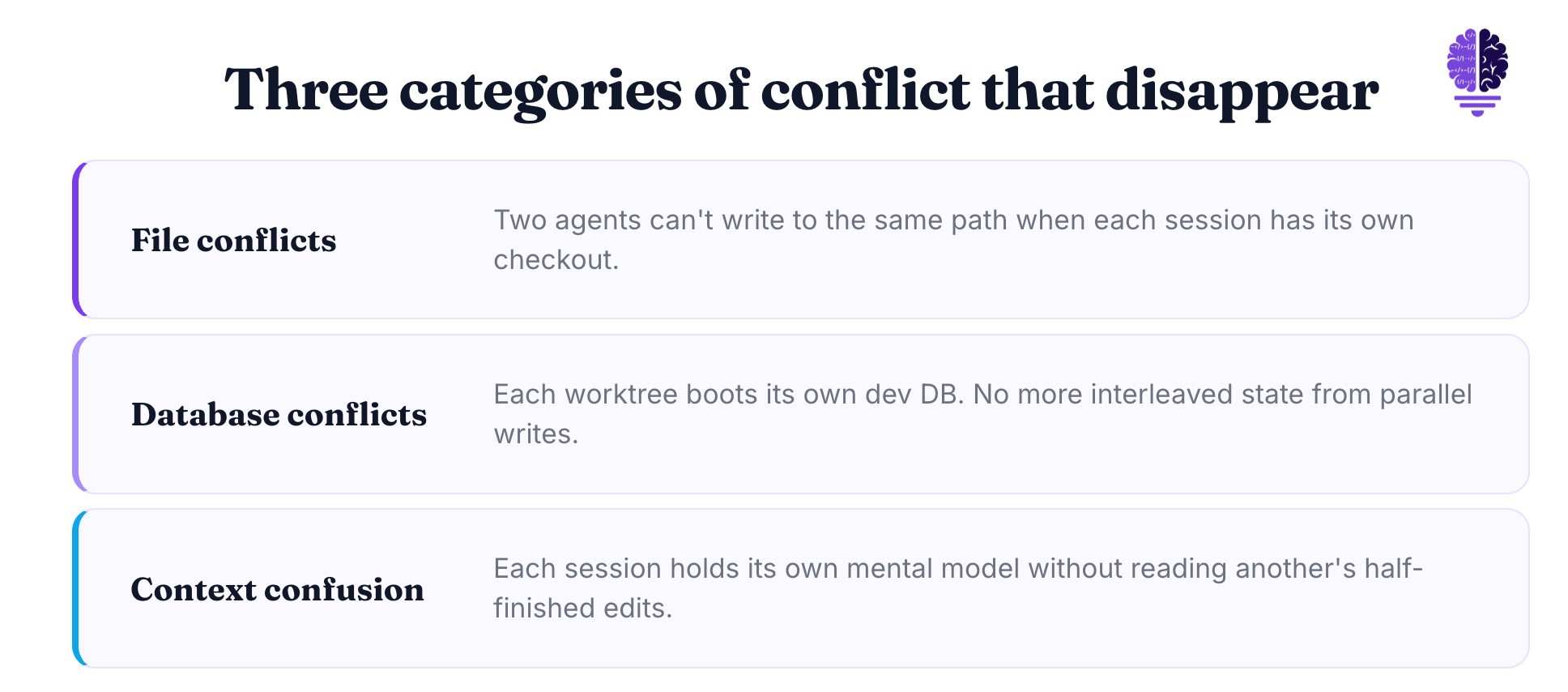
That last one was the gamechanger for me. Without worktrees, Claude would sometimes read a partially modified file and produce code that assumed a state that didn’t exist yet. The output looked plausible. It just didn’t compile.
The Claude Code team has been clear about why this matters. Each agent gets its own worktree. They run in parallel. They don't interfere with each other.
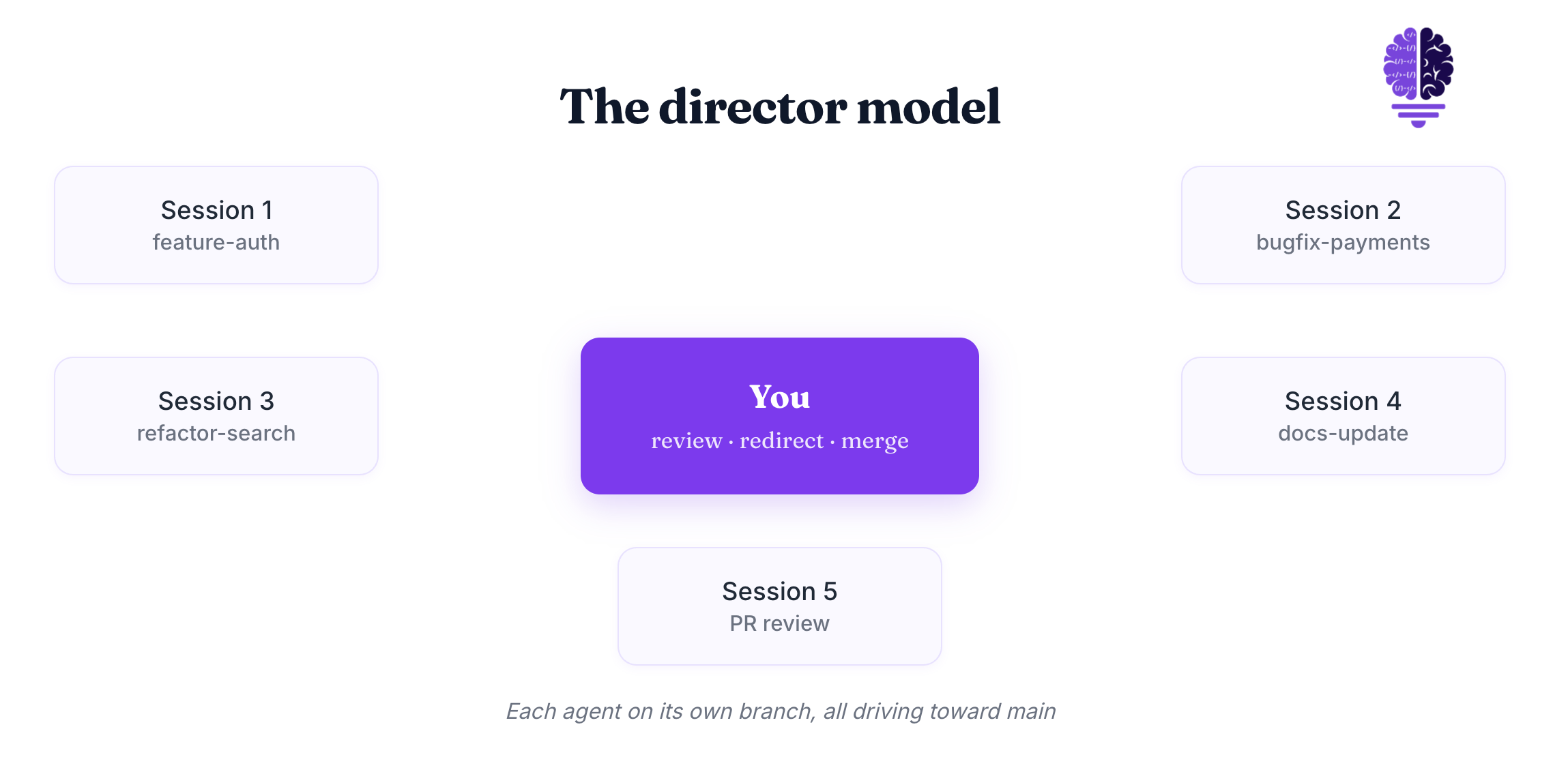
You stop being the worker. You start being the director.
I run three to five sessions, each on a different feature, each on its own branch, all driving toward main independently. I review. I redirect. I merge. I don’t type the code.
The Ceiling Is Three to Five
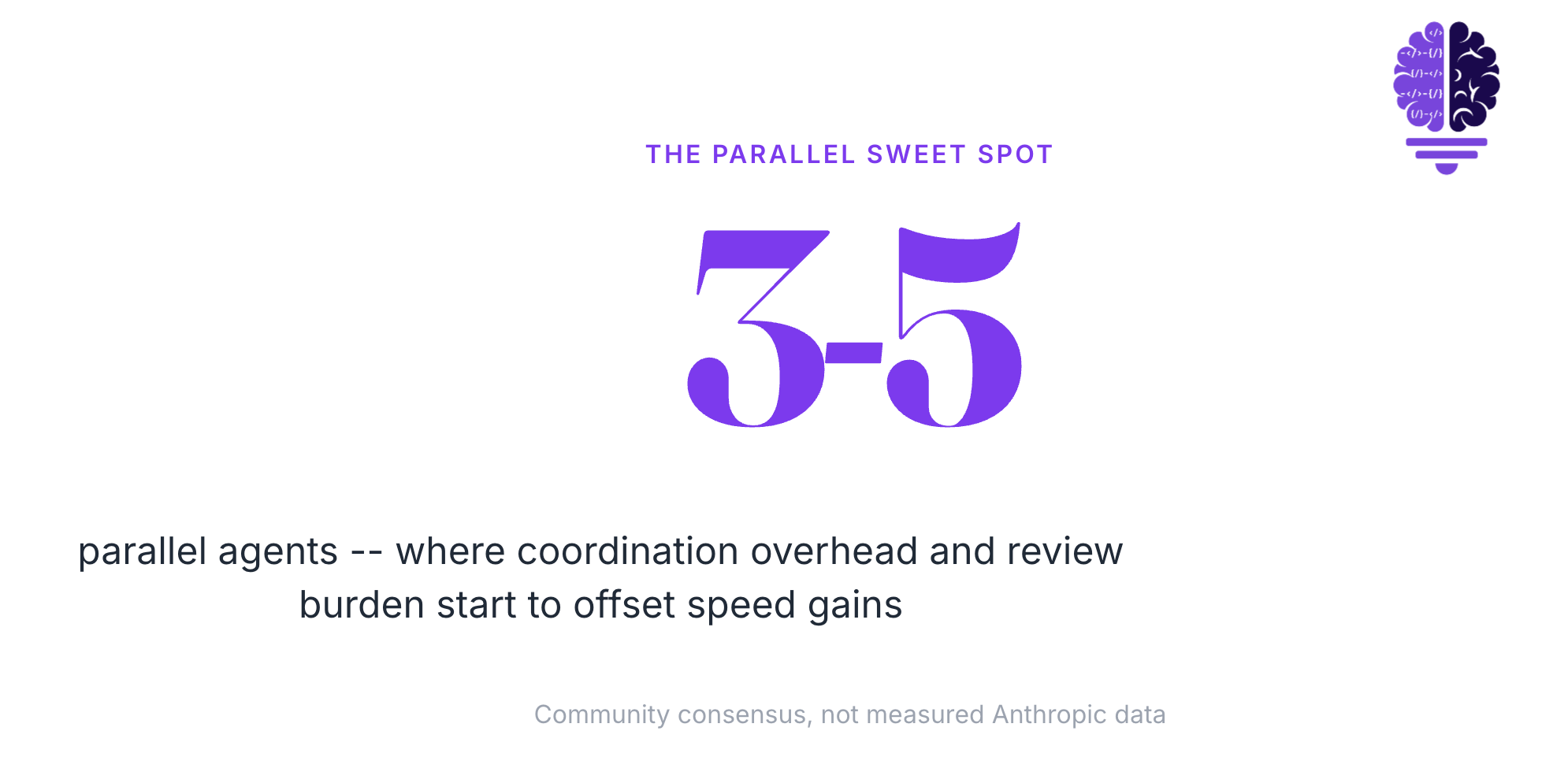
Here’s the thing. This doesn’t scale forever. I find three to five parallel agents is the sweet spot, with coordination overhead and review burden offsetting speed gains beyond that.
The community converges on similar numbers from different angles. MindStudio’s longer write-up puts the practical ceiling at five to six before review and merge overhead outweighs the parallelism gains. Their primer on the pattern puts it lower, two to four, before API rate limits start to bite on large codebases. The Claude Directory guide says teams run four to eight reliably with six to ten as the upper end.
None of these are measured Anthropic statistics. They’re community consensus. The consensus is tight, and three to five lines up with what I actually run on a normal day.
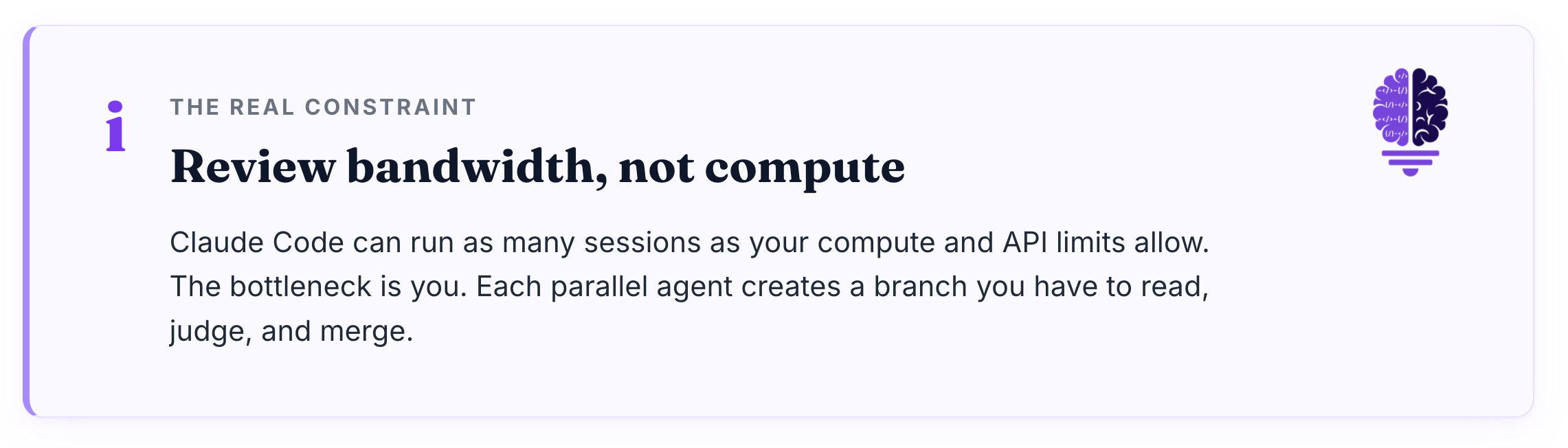
The constraint isn’t technical. Claude Code can run as many sessions as your compute and API limits allow. The real constraint is your review bandwidth. Each parallel agent creates a branch you have to read, judge, and merge.
That attention does not scale linearly. Past five sessions, the context-switching tax between terminals eats the parallelism gain. You’re flipping faster than you’re thinking.
Start with three. Add a fourth when the first three feel underused. Stop when you notice yourself merging stuff you didn’t actually read.
Claude Code Made It Easy
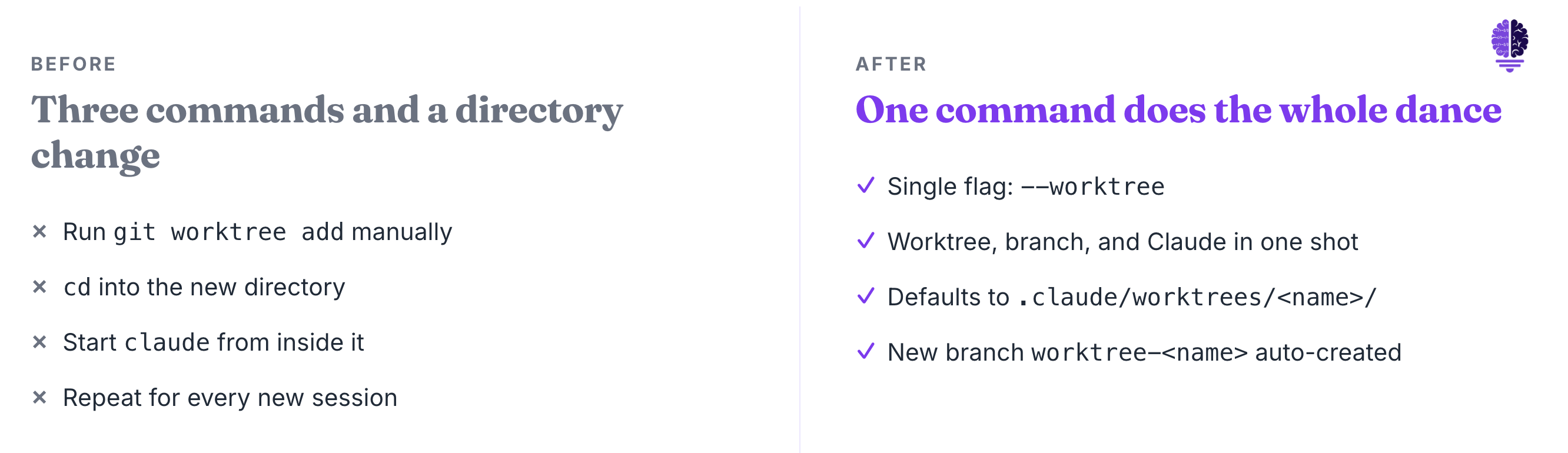
Before recently, the workflow worked but it was clunky. You ran git worktree add ../project-feature-a -b feature-a, then cd ../project-feature-a, then started Claude. Three commands and a directory change for every new session.
Now, Anthropic shipped a first-class flag. One command does the whole thing. The official changelog entry is one line. Added --worktree (-w) flag to start Claude in an isolated git worktree.
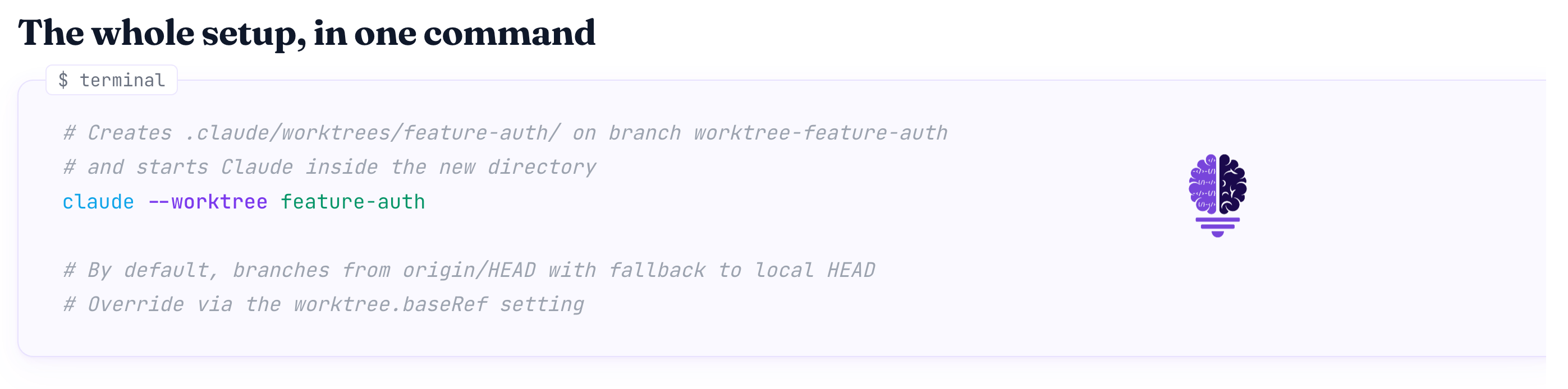
The command looks like this.
claude --worktree feature-authThat creates .claude/worktrees/feature-auth/ at your repo root, on a new branch named worktree-feature-auth, and starts Claude inside it. By default the worktree branches from origin/HEAD, falling back to local HEAD if there’s no remote. You can change the base with the worktree.baseRef setting.
There’s a sharper variant most people miss. You can spin up a worktree against an existing pull request.
That creates .claude/worktrees/pr-branch-name-here/ from pull/branch-name-here/head. I use it for review work. Spin up a fresh checkout of the PR, point Claude at it, ask for a critique, close the worktree when done.
The same release also shipped isolation: "worktree" for subagents, so custom agents can declaratively run in their own temporary worktrees. That second piece matters if you write your own agents. The follow-up release, added WorktreeCreate and WorktreeRemove hook events for custom VCS setup and teardown.
The takeaway is bigger than the flag itself. Anthropic shipped UX for this workflow. That tells you they think it’s the right pattern.
How To Actually Start
Open three terminal tabs. In each one, run claude --worktree with a name that describes the feature, not the branch.
claude --worktree feature-auth
claude --worktree bugfix-payment-rounding
claude --worktree refactor-search-index
That’s the whole setup. Three sessions, three branches, three isolated checkouts. You direct each one independently.
A couple of practical tips will save you pain.
Add .claude/worktrees/ to your .gitignore so the worktree contents don’t appear as untracked files in your main checkout. Anthropic gives this advice directly in the docs.
Use a .worktreeinclude file in your project root to copy gitignored files like .env and .env.local into each new worktree automatically. The syntax matches .gitignore. This solves the most common worktree pain point on day one: the new checkout doesn’t have your environment variables.
Treat each session as its own scoped task with its own CLAUDE.md context. Claude resolves CLAUDE.md from the worktree directory and walks up the parent tree, so per-feature context is easy to set without polluting your main CLAUDE.md.
Name the worktree after what the work is, not the branch. feature-auth will mean something to you in three days. wt-jhg-3 will not.
Keep your review cadence honest. The point of three sessions isn’t to ship three times the code. It’s to keep three things alive while you think.
So What’s Moved …?
The agent isn’t waiting on you to type anymore. You’re waiting on yourself to direct enough work in parallel.
That’s a much better problem to have. The model is fast. The flag is shipped. The mechanic is fifteen years old.
The only thing left to figure out is how much work you can hold in your head at once.
Run three sessions tomorrow. See how it feels.
Cheers friends,

Eric Roby
Find me online: