
How My Mac Mini Server Changes How I Work
An always-on Claude Code server with its own identity, its own permissions, and a queue of work it finishes overnight.

The main goal is to reduce user friction.
Here is how to help with identity journeys for your software and agents with Descope.
Get started here: https://descope.plug.dev/B0cT24m
I have a Mac Mini sitting on a shelf in my office running Claude Code 24/7.
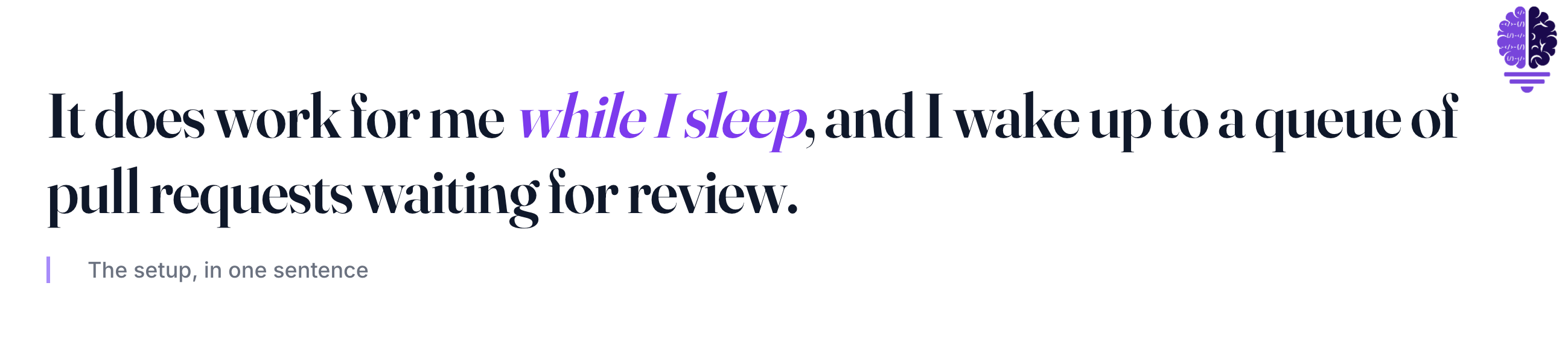
It has its own email account. Its own GitHub user. Its own Slack handle. Access to every personal repository I own, and zero admin permissions on any of them. It does work for me while I sleep, and I wake up to a queue of pull requests waiting for review.
Here’s how I got there, and what changed.
OpenClaw or a Full Claude Server?
I’d been bouncing between agent setups for months. I finally hit the point where I needed to commit. I wanted one always-on system, not three half-built ones.
The decision came down to two paths.
OpenClaw is the popular general-assistant framework. It wires an LLM into your messaging apps, your calendar, your inbox, your smart home. It usually runs on Codex underneath. People use it for things like “text me when my flight is delayed” or “draft my morning status update from Slack.” It’s broad, it’s loud, and it can touch a lot of your life.
Claude Code is the coding-focused path. Tighter integration. Subagents, hooks, skills, and scheduled tasks designed to work together as one stack. The scope is narrower on purpose. Code, repos, PRs, terminals.
I picked Claude Code. Not because it’s “better.” Because I’m a coder, and I wanted the always-on machine to be obsessed with what I actually ship. I didn’t need an agent that could respond to my texts and dim my lights. I needed one that could open PRs and create content for me.
Claude Code doesn’t have OpenClaw’s “general assistant” feel out of the box. So I built it in. I set up scheduled events that trigger Claude Code on a cadence, give it scoped work, and stop short of giving the agent autonomous control over the rest of my digital life. I get the always-on rhythm. I keep the blast radius small.
OpenClaw is a real, mature project with a huge community. If you want an ambient life assistant, it’s the answer. I wanted an ambient coding partner with the leash kept short, so I went the other way.
The Hardware. Why a Mac Mini and Not the Cloud
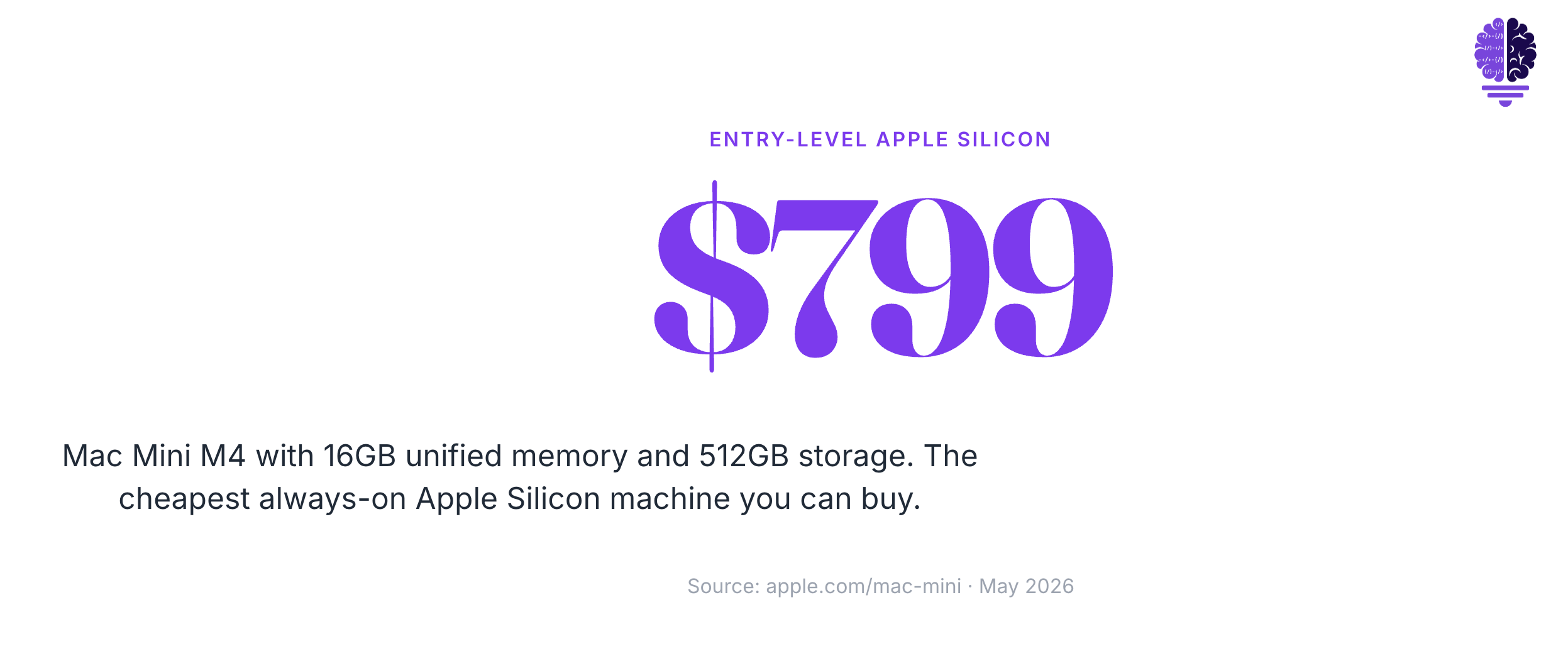
The Mac Mini is the cheapest always-on Apple Silicon machine you can buy. Entry price is now $799 for the M4 with 16GB of unified memory and 512GB of storage. The model I got is sold out just about everywhere you look. $799, 24 GB of RAM, and 256 GB of storage. I have an unused 1TB external solid-state drive that I plugged in, which boosts storage massively.
Running this on a cloud VM would have been the easier first instinct or cheaper hardware that I had lying around. But it wasn’t the right one for me.
Cloud VMs charge you per hour. A misfiring loop can burn through a credit card. A local machine just runs. The electricity bill doesn’t change much whether the agent is sitting idle or chewing through a planning task. I also wanted to make sure that I had enough RAM to be able to run multiple sessions at once, and I didn’t want to be bothered by trying to worry about it at all.
You also get full GUI access. The Mini boots into macOS like any other Mac, which means I can run Claude Code with all its terminal niceties, plus any GUI app I want sitting alongside it. Files live on disk, not in some ephemeral container that resets when I forget to snapshot it.
Apple Silicon is fast and sips power. There’s no surprise bill if I leave the agent thinking for an hour.
And critically, the Mini is reachable from anywhere. That’s where Jump Desktop comes in.
Giving Claude Its Own Identity
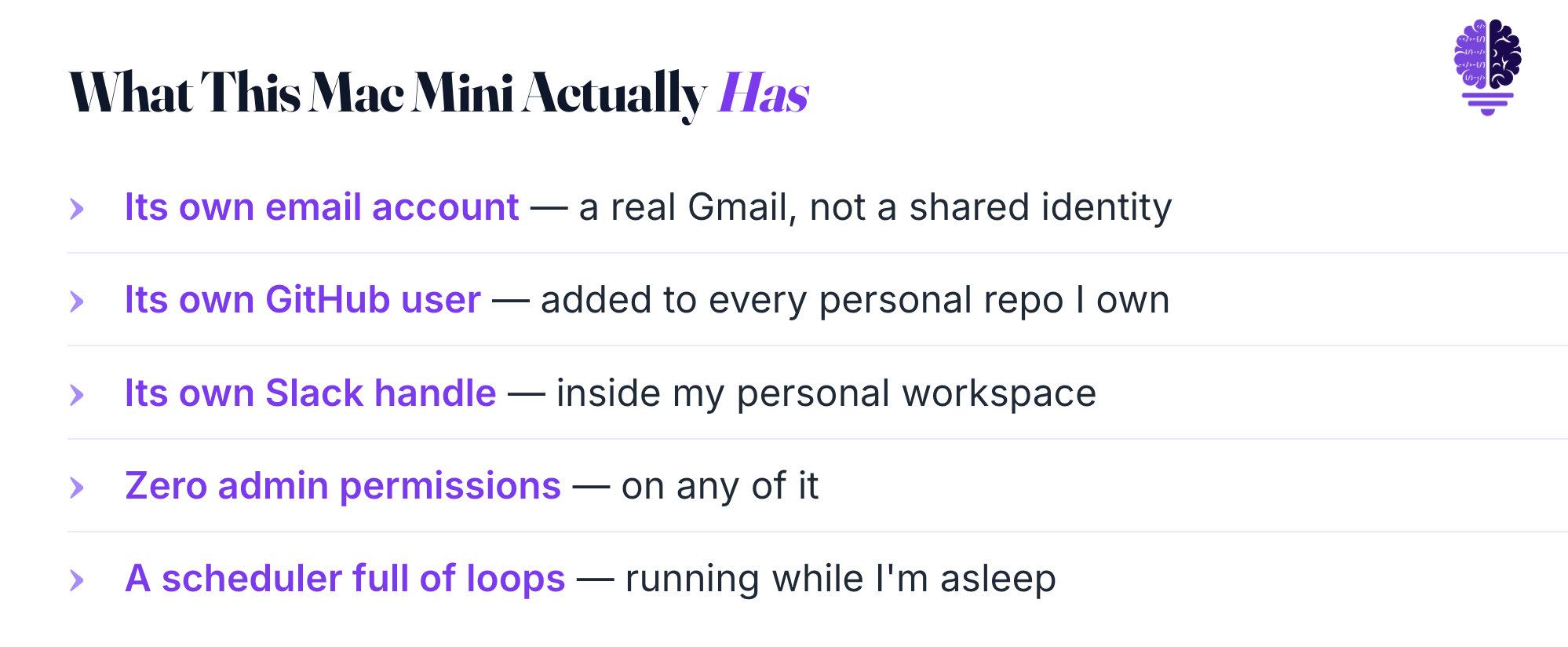
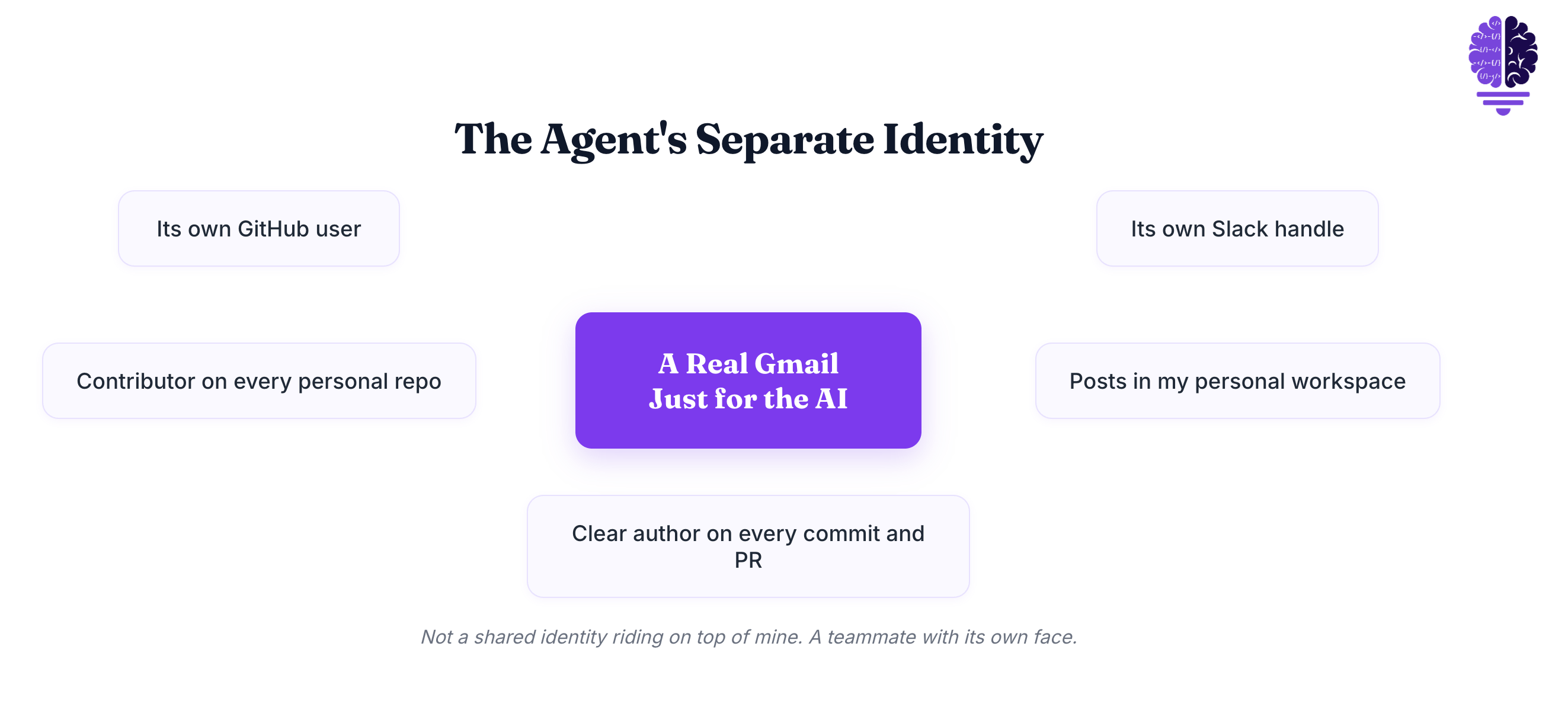
This is the part most people don’t expect. I created a separate Gmail just for the AI. A real email account with its own login, not a shared identity riding on top of mine.
That email has its own GitHub user, added as a contributor to every personal repository I own. It has its own Slack handle inside my personal workspace. When the agent posts a message or opens a pull request, it’s clearly the agent doing it. Not me.
Why bother with all that ceremony?
Audit trail. Every commit, every PR, every Slack message has a clear author. I can scan a repo’s history and see exactly which work was mine and which work was the agent’s. If something goes sideways, I know whose hands were on it.
Mental separation. The agent isn’t pretending to be me. It’s a teammate with its own face, its own login, and its own boundaries.
Permissions you can trust. Once the AI has its own user, you can give that user a specific role and not a single permission more. That’s the whole game.
The Human in the Middle.
The Claude account has zero admin permissions and zero ability to merge anything that ships.
That isn’t an accident. It’s the entire point of the setup.
The workflow is simple. The agent does the work on a feature branch. The agent opens a pull request. I review it on whatever device I’m holding. I merge.

Same pattern in Slack. The agent drafts messages. It only posts in channels I watch, and for anything externally facing, I’m the one who hits send.
This is the “agent as junior teammate” model. Fully empowered to do the work, never empowered to ship without approval. The industry term for it is “human in the loop” or HITL. I think of it as a human in the middle, sitting between the agent’s output and anything that lands in production.
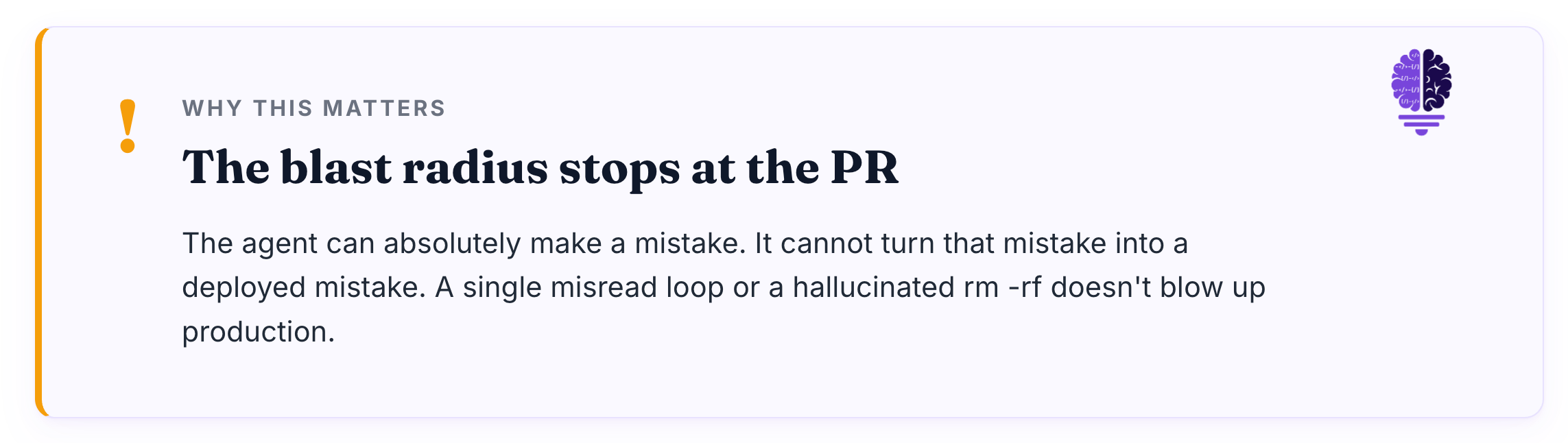
Why this matters. A single misread loop or a hallucinated rm -rf doesn’t blow up anything. The agent can absolutely make a mistake. It cannot turn that mistake into a deployed mistake. The blast radius stops at the PR.
You’d be surprised how much confidence this buys you. I let the agent attempt things I’d never trust an unsupervised LLM with. Aggressive refactors, dependency upgrades, sweeping lint fixes. The worst case is a PR I close without merging.
The agent does the brave work. I do the cautious work.
Mobile Workstation. Jump Desktop Changes Where I Work From
Jump Desktop is the layer that makes the Mac Mini feel like it’s in my pocket. It runs on macOS, iOS, iPadOS, and beyond, and it streams the Mini’s full desktop to whatever device I’m on. Their Fluid protocol is the high-frame-rate one designed for low-bandwidth links, which means it actually feels usable on a phone.

For an individual user, it’s a one-time purchase. No recurring subscription, which I appreciate.
The practical difference is bigger than I expected. I’ll be in line at a coffee shop and review a PR the agent just opened, straight from my phone. The Mini becomes the actual workstation. Every other device I own is just a viewport into it.
This was the unexpected unlock. I used to think “remote desktop” meant “I’m stuck without my laptop, let me hobble through some emergency work.” Now it means “wherever I am is where I work.”
Scheduled Loops. The Work That Happens Without Me
The Mini runs scheduled Claude Code loops on a cron-style schedule for every recurring chore I can think of. Some use Claude Code’s built-in /loop command, some use Desktop scheduled tasks. The mechanism doesn’t matter much. What matters is that they fire whether I’m sitting at the keyboard or not.
A few examples of what the agent handles:
Weekly repo housekeeping. Dependency updates, lint sweeps, the chores I always intend to do and never get to.
Slack digest summaries. The agent reads the channels I asked it to watch and posts a digest in my personal channel.
Notion queue scans. The agent looks at my open issues, flags anything stale, and proposes the next thing to work on.
Nightly content drafts. The agent pulls from my notes and outputs the next round of blog drafts and other content ready for me to read in the morning.
The pattern is always the same. The agent prepares the work. I review and merge in the morning.
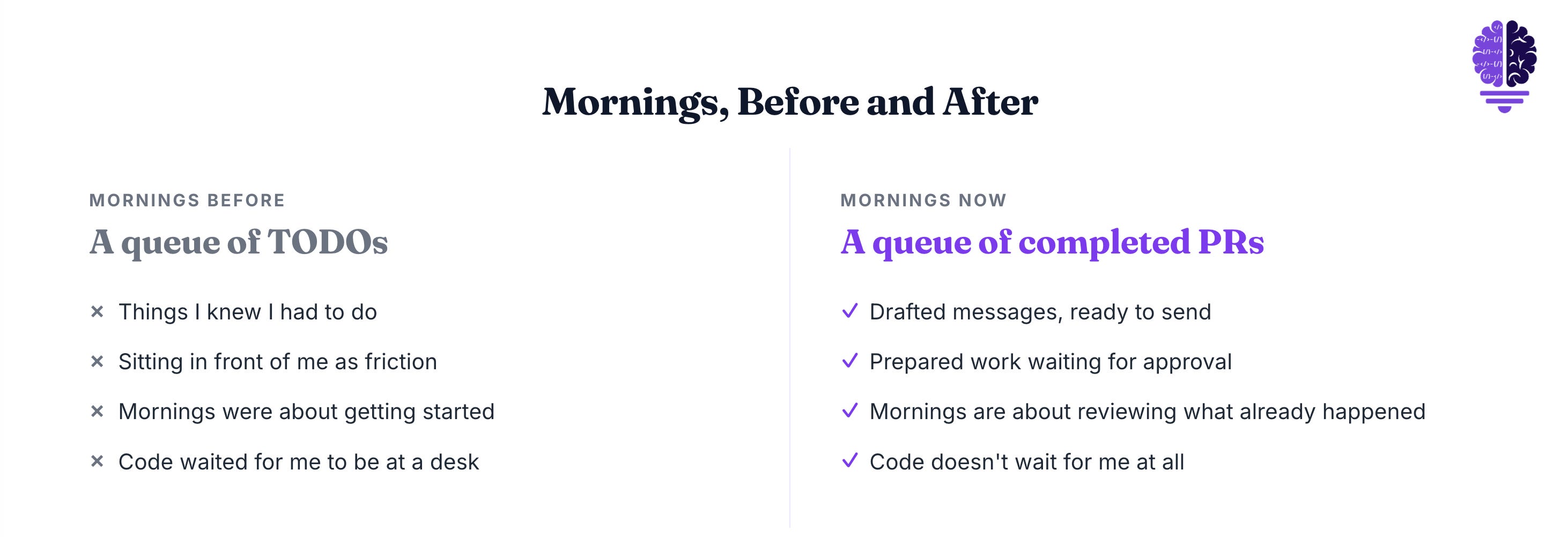
This is the unlock. I used to wake up to a queue of TODOs. Things I knew I had to do, sitting in front of me as friction. Now I wake up to a queue of completed PRs and drafted messages. The work isn’t waiting for me to start it. It’s waiting for me to approve it.
That changes everything about how I plan a day. Mornings used to be about getting started. Now mornings are about reviewing what already happened.
The Bottom Line
The Mac Mini server didn’t make me code faster. I’m not generating more lines per hour, and I’m not shipping twice the features. That isn’t the change.
What changed is when and where the work happens. Code no longer waits for me to be at a desk. The thinking happens during the day. The execution happens overnight. The review happens on whatever device I’m holding.
The agent is becoming the worker. I’m becoming the editor.
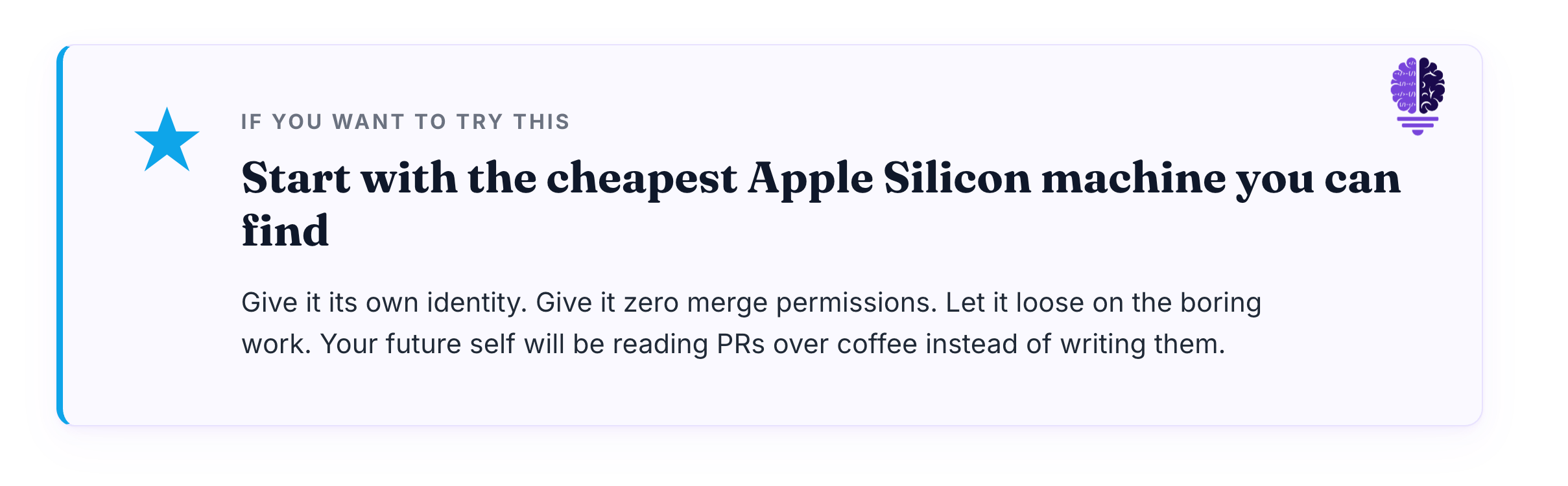
If you’ve been on the fence about setting up an always-on coding agent, find the cheapest Apple Silicon machine you can get your hands on, give it its own identity, give it zero merge permissions, and let it loose on the boring work. Your future self will be reading PRs over coffee instead of writing them.
I’d love to hear what your always-on setup looks like. What’s your agent handling overnight? Drop a comment.
Until next time,
Cheers friends,

Eric Roby
Find me online: