
Mobile-First AI Coding Is Real
Why the mobile coding shift is happening now ...

I reviewed a real pull request from the grocery store line last week. On my iPhone. Against a live preview environment.
And it wasn’t a gimmick.
I wasn’t squinting at a code diff on a 6-inch screen. I wasn’t pretending to “approve” something I couldn’t actually evaluate. I opened the Vercel preview URL from the PR. Then, I tested the new feature as a user would. Finally, I left my review notes from my phone before reaching the register.
That moment shifted something for me. Mobile-first AI coding is here, but it’s not about a flashy mobile IDE.

The Grocery Store Line PR Review
This is what actually happened. My bot’s pull request (PR) landed in my notifications. I opened GitHub Mobile. It supports a complete Review Changes flow, so you can approve or request changes. The Vercel GitHub bot had already posted a comment with a preview URL on the PR.
I tapped the URL. The branch’s full deployment opened in iPhone Safari. I used the feature.
Not “read the code that implements the feature.” Used it. Tapped buttons. Filled in the form. Watched the new flow work the way a real user would experience it.
That’s the part that matters. I wasn’t simulating a review. I was doing the most honest version of one. Using the software as a user, then signing off.
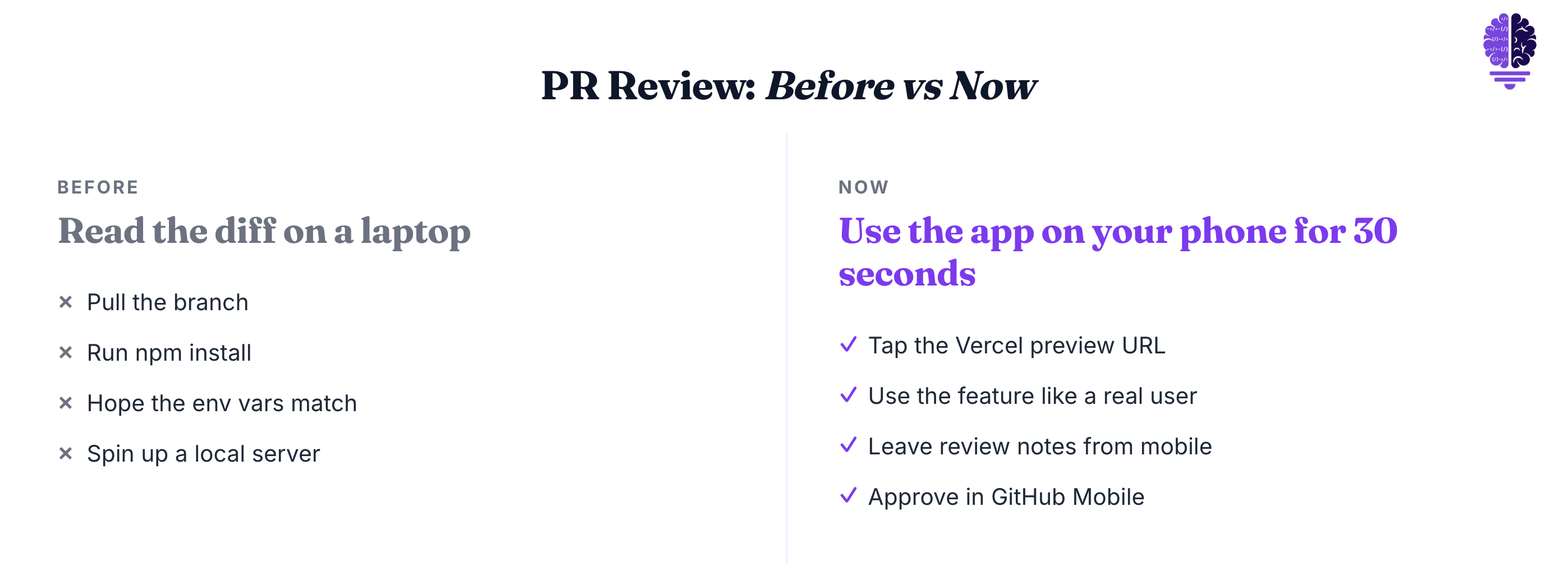
PR review used to mean “read the diff on a laptop.” Now it means “open the app on your phone for 30 seconds.”
The PR code is already being completely reviewed by large language models (LLM).
That’s a different job entirely.
Vercel Preview Deployments Made This Possible
The whole thing only works because Vercel ships Preview Deployments as a default behavior. Not a paid add-on, not a setup project, just the way Vercel works the moment you connect a Git repo.

The trigger is automatic. Push a commit to any non-production branch, or open a pull request on GitHub, GitLab, or Bitbucket. Then, Vercel builds and deploys a live URL for that branch. Every preview branch gets its own persistent domain that updates with every push. And the Vercel GitHub bot drops the URL into the PR as a comment automatically.
It’s on the free Hobby plan. Every dev with a Vercel account already has this.
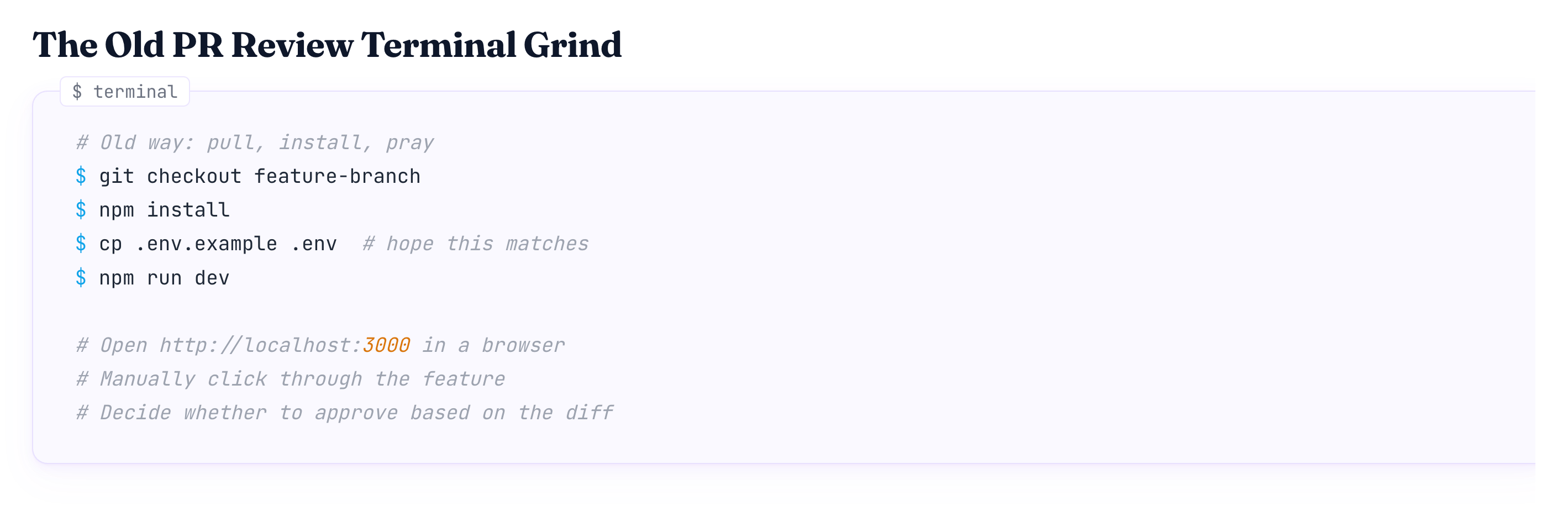
Think about what used to happen during PR review. Pull the branch. Run npm install. Hope the env vars match. Spin up a local server. Open localhost in a browser. Test.
Now? Tap a link in the PR.
The phone becomes a full review device because the deployment is real. Same build. Same data flow. Same UI.
All of the friction is gone.
Why Claude Code Works on a Phone
The mobile shift isn’t about better small-screen IDEs. It’s about which tools were built for a conversation versus which ones were built for an editor.
Claude Code is an agentic coding tool. It reads your codebase and edits files. It can run commands and works with your dev tools. You can use it in the terminal, IDE, desktop app, or browser. You describe what you want in plain language. Claude Code plans the approach. He writes the code in several files and checks that it works.
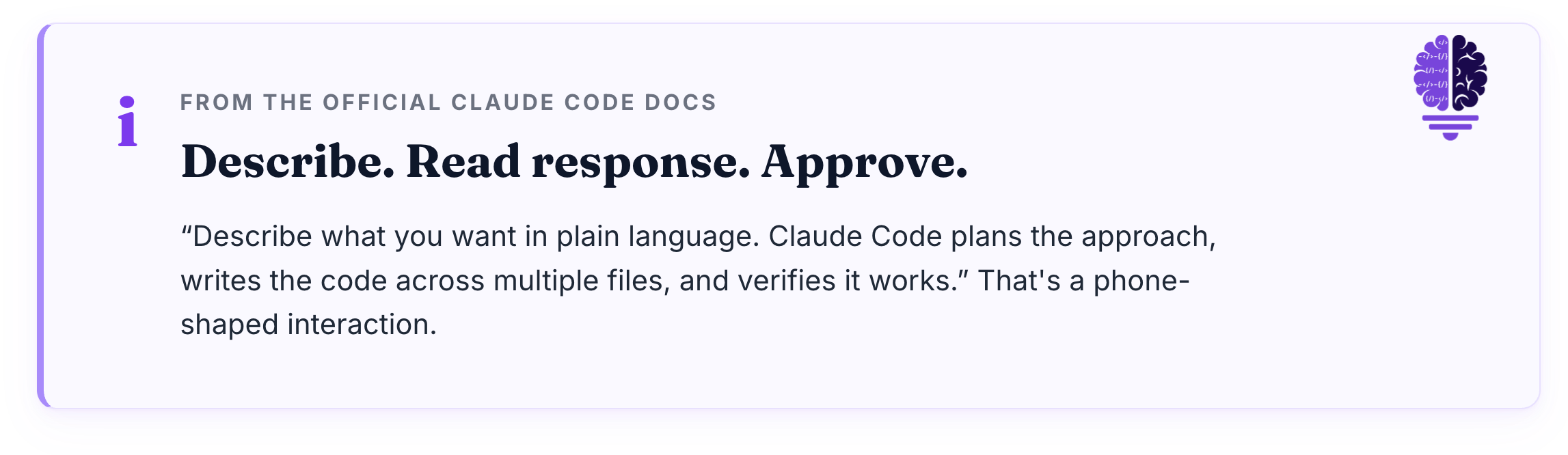
Describe. Read response. Approve.
That’s a phone-shaped interaction.
Cursor is the opposite. It’s a Visual Studio Code fork built around AI-assisted editing. Tab completions, inline suggestions, agent edits you approve inside the IDE. The model is “you drive, the AI assists.” That requires a code surface. A keyboard. A real screen.
The frame is clean. Claude Code is agent-first, you describe what you want and review results. Cursor is IDE-first, you drive while the AI assists inline. Both philosophies are valid. Only one of them fits in your pocket.
Anthropic shipped this on purpose. Claude Code launched on the web on October 20, 2025, as a research preview. The iOS app was also available as an early preview. Anthropic introduced Claude Code to kick off coding sessions right in the web browser. You don’t need to open your terminal. Connect your GitHub repositories, describe what you need, and Claude handles the implementation.
Or you can do what I do. I have a Mac Mini at home, that I can go directly to from my iPhone. The only thing required to do this is Jump Desktop.
The interaction model is the unlock. Not the responsive UI.
Editors are for editing. Conversations are for describing what to build.
My New Mobile-First Workflow
This is the stack I actually use. Claude Code with Claude Opus 4.7 has a 1M context window. The default effort level for Claude Code is set to Max across all plans. Vercel Preview Deployments. GitHub Mobile. iPhone Safari.
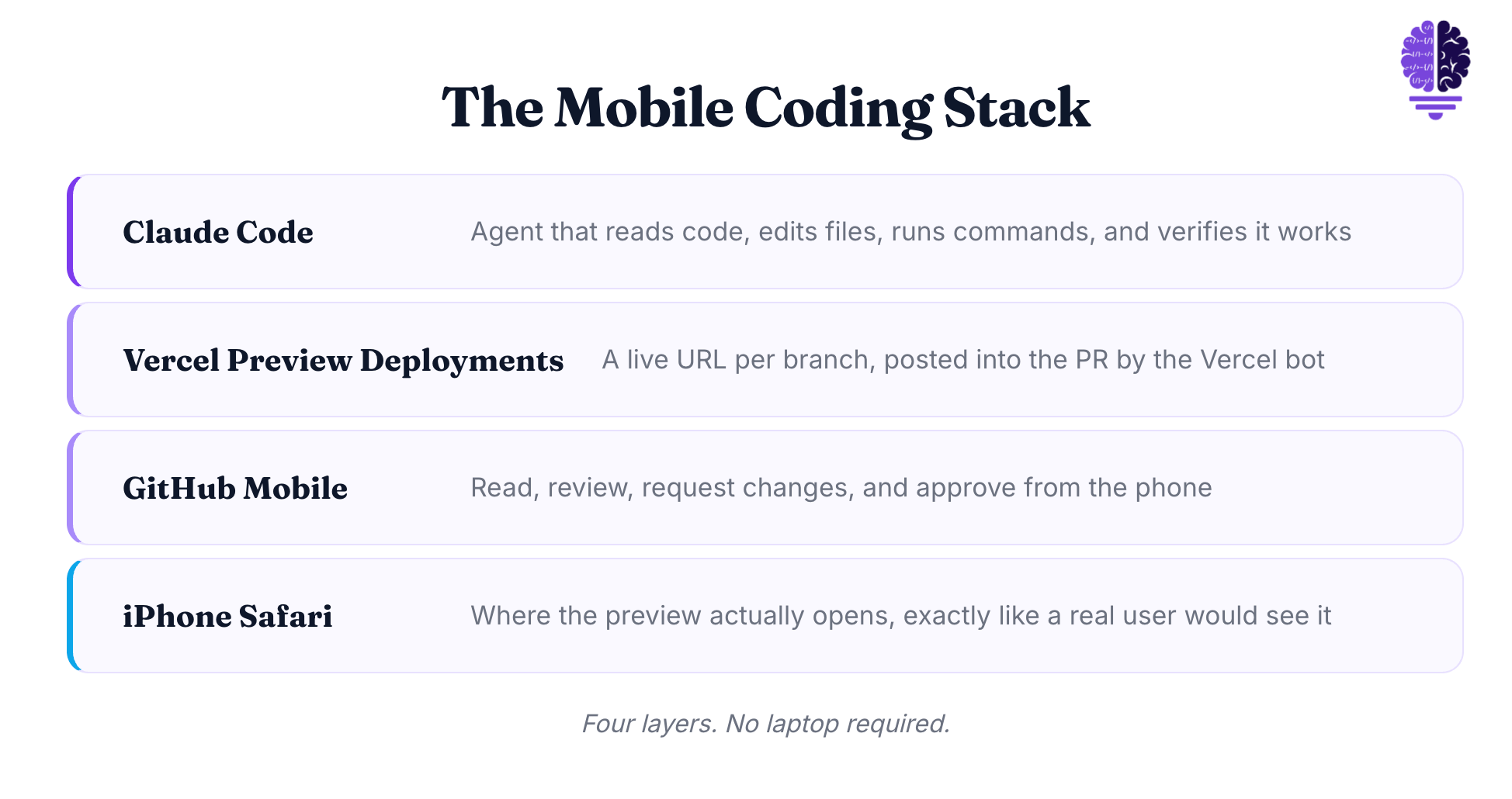
That’s it. That’s the whole mobile coding setup.
When I’m away from my desk, I do three things from my phone.
I review PRs against the Vercel preview URL. Tap link, use feature, comment. The full review loop takes about a minute. Its quality is better than just reading a diff. That’s because I’m seeing what a user would see.
I kick off small Claude Code tasks. Rename a variable across the codebase, draft a README section, add a test for an edge case. You can use the iOS app or Claude Code on the web to access my session running elsewhere. The agent runs full-tilt with Opus 4.7’s 1M context window doing the actual work. I just describe the task and wait.
I read the agent’s output between meetings. Claude does the heavy work. I read what it did and either approve the diff or tell it to try again.
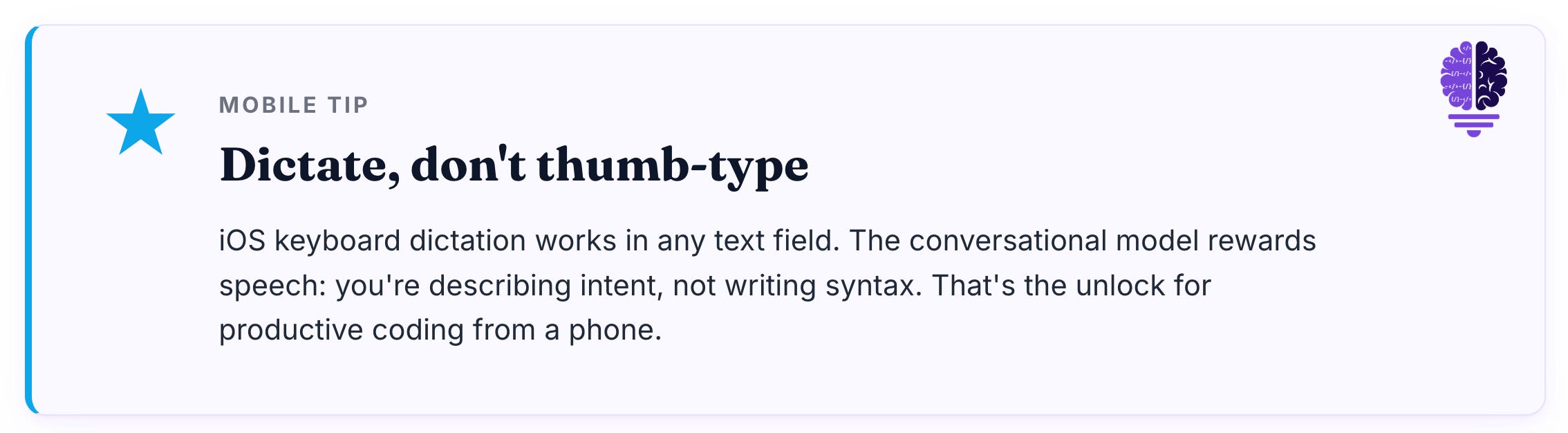
One more thing. I dictate the prompt instead of thumb-typing it. iOS keyboard dictation works in any text field. The conversational model rewards this. You’re describing intent, not writing syntax.
The compounding effect is real. I get usable work done in the gaps. Waiting room. Kid’s soccer practice (if you can even call it this for a 2 year old). Grocery line.
No laptop required.
The Real Shift
This isn’t a “look what AI lets you do on a phone” stunt. The friction model has actually changed.
What was the bottleneck before?
The IDE. Specifically, the IDE’s assumption that the human had to drive every keystroke. You needed a real screen because you were the editor. The tool just helped.
That assumption is gone now. When the tool drives and you describe and review, the screen requirements collapse. A phone is enough surface to read a diff, tap a preview URL, and confirm a feature works.
Code editors won when code editing was the work. Conversations win when conversation is the work.
If your branches deploy to live URLs and your AI tool is conversational, you can ship from anywhere.
Cheers friends,

Eric Roby
Find me online: