
Sandboxing Your Agent in a DevContainer
So You Can Use --dangerously-skip-permissions Safely

I run Claude Code with --dangerously-skip-permissions every single day. Now, before you think I’m being reckless, hear me out.
I’ve been a backend engineer for over a decade. I know what an unconstrained shell can do to a machine. My agent doesn’t live on my machine. It lives in a DevContainer with default-deny networking and a mounted-only filesystem.
The flag isn’t the risk. The host is.
“YOLO Mode” Has a Real Name, And It’s Not Reckless
The community calls it “YOLO mode” because of Codex. Anthropic calls it bypassPermissions. Same thing. The official Claude Code docs state the --dangerously-skip-permissions flag is the equivalent.
This is what it actually does. It disables permission prompts and safety checks so tool calls execute immediately. No more clicking approve for every ls, every cat, every npm install. The agent just works.
This is not a hack someone discovered. Anthropic intentionally ships this flag with other permission modes. These include default, acceptEdits, and plan. It’s a real feature with a deliberately scary name.
But Anthropic is also unambiguous about the danger. From their auto-mode engineering blog: Skipping permissions can lead to dangerous results. So, it should only be used in isolated environments. Skipping permission prompts means you won’t review tool calls before they run.
So Anthropic ships the flag, then tells you not to use it. That sounds contradictory until you read the next line.
The Real Problem Isn’t the Flag, It’s What the Agent Can Touch
Anthropic’s own docs make the point directly. The flag is for isolated environments, such as dev containers, VMs, or sandboxes. It ensures that Claude Code won’t harm your host system.
Read that again. The danger isn’t permission skipping. The danger is what an unconstrained agent can reach on your machine.

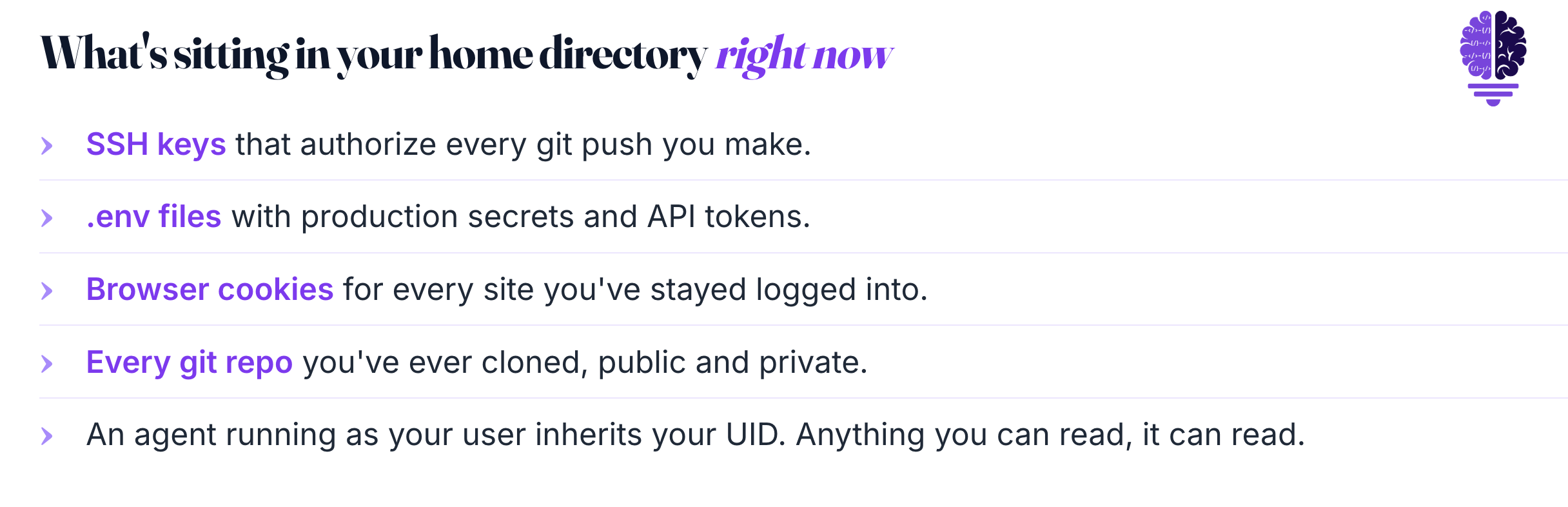
Think about what’s sitting in your home directory right now. SSH keys. .env files with production secrets. Browser cookies. Every git repo you’ve ever cloned. An agent running as your user inherits your UID. Anything you can read, it can read. Anything you can delete, it can delete.
And prompt injection isn’t theoretical. Last month, security researchers revealed attacks on AI coding agents in GitHub Actions. This includes Claude Code Security Review, Gemini CLI Action, and GitHub Copilot Agent. The attack adds instructions via PR titles, issue bodies, and HTML comments in issues. Anthropic rated the underlying vulnerability CVSS 9.4, critical.
The threat model isn’t “what if my agent goes rogue.” It’s “what if my agent reads a malicious README.” Large language models follow instructions in content. If the content contains an instruction, the model will probably follow it. Adds a whole level of prompt injection.
If an agent can be tricked, you don’t fix it by trusting it harder. You bound the damage.
A DevContainer Gives You Three Hard Guarantees
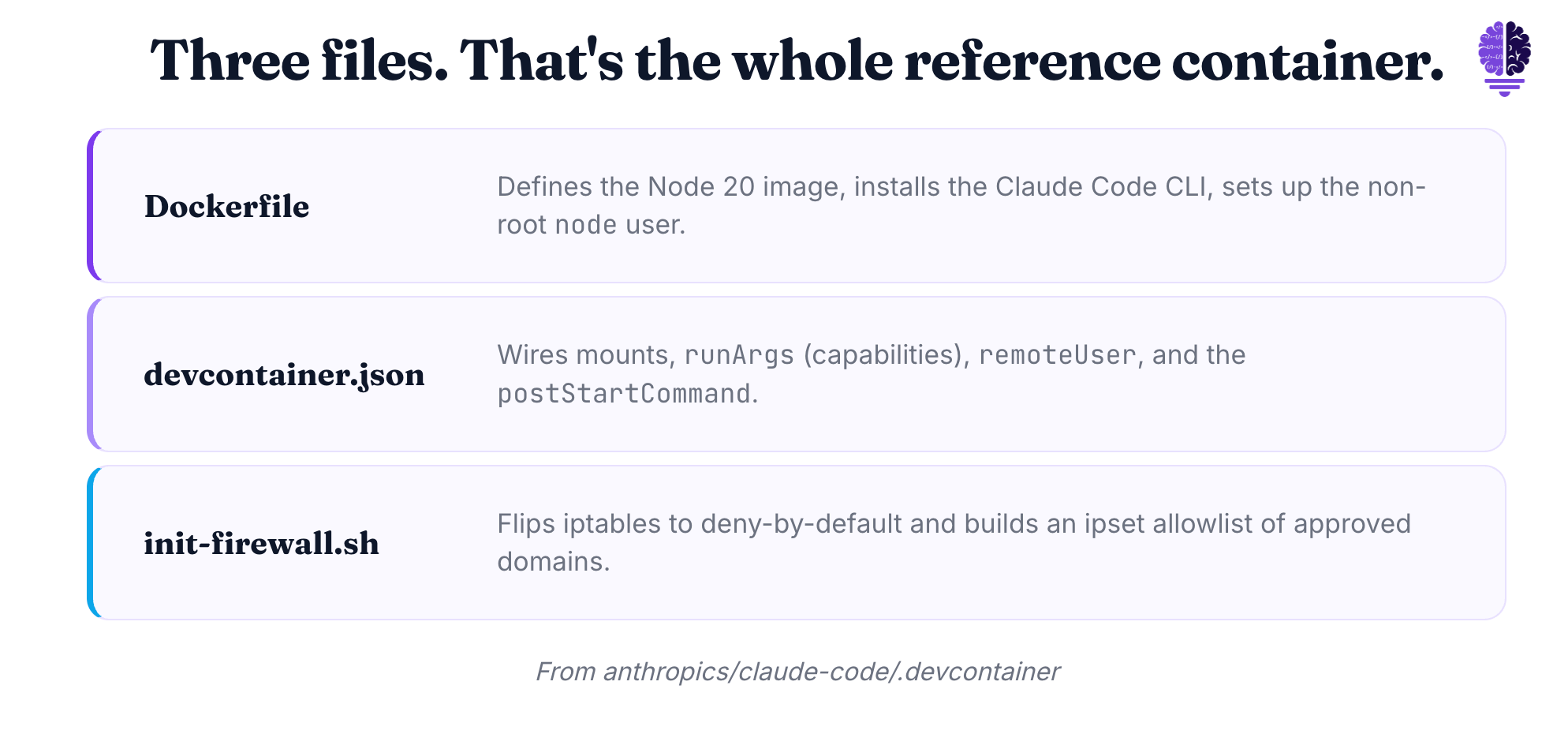
This is where DevContainers earn their keep. A DevContainer is a Docker container that VS Code attaches to like it’s a local environment. Anthropic ships a reference one in the anthropics/claude-code repo. It has three files: Dockerfile, devcontainer.json, and init-firewall.sh.
Three concrete guarantees come out of those three files.
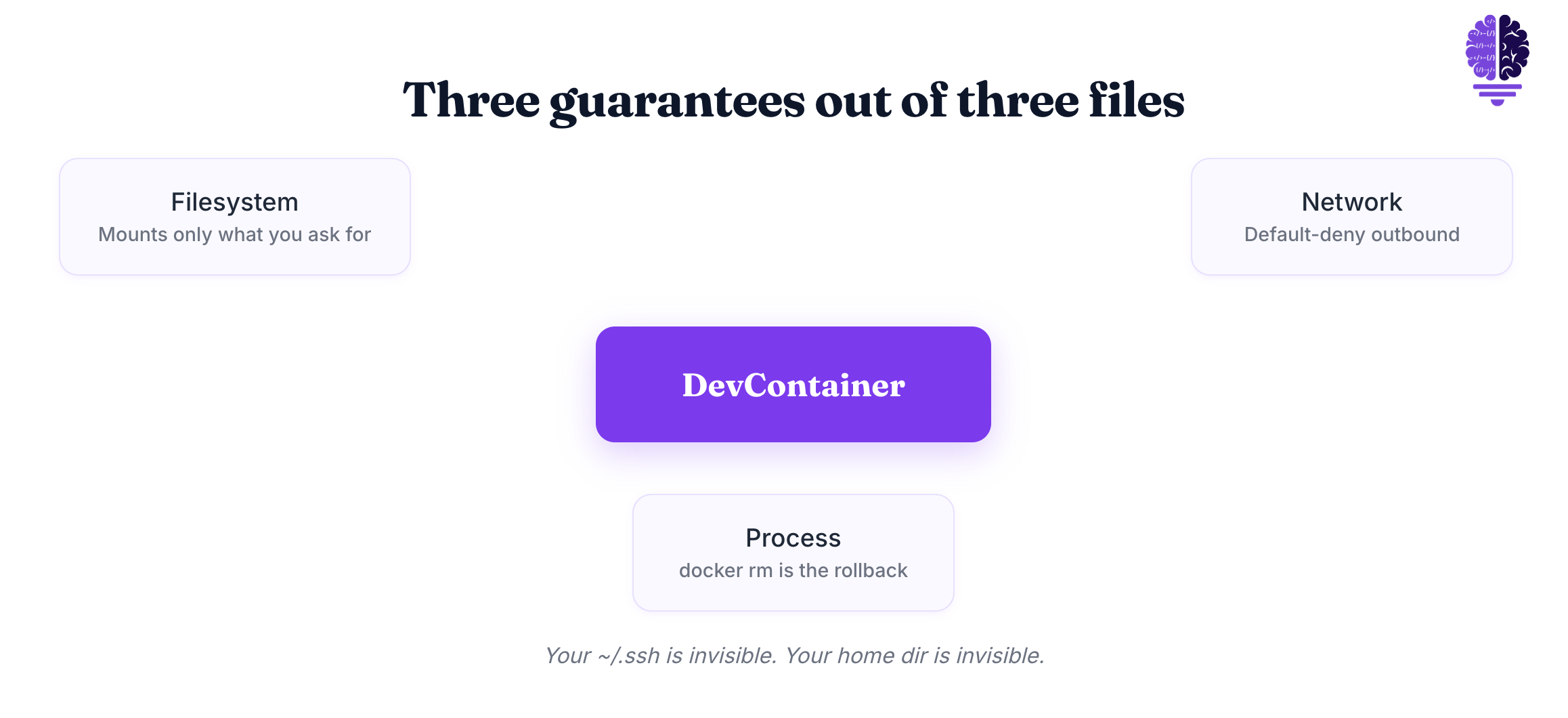
Filesystem isolation. The container can only see what you mount. The reference config mounts the project directory. It also mounts two named volumes: one for bash history and another for Claude config. That’s it. Your ~/.ssh is invisible. Your home dir is invisible. Anthropic suggests keeping host secrets outside the container. Use repository-scoped or short-lived tokens for what the agent needs.
Default-deny network. The firewall script sets iptables to deny everything by default. It then whitelists a few endpoints: npm, GitHub IP ranges, the Anthropic API, and the VS Code marketplace. The pattern looks like this:
iptables -P OUTPUT DROP
iptables -A OUTPUT -m set --match-set allowed-domains dst -j ACCEPT
iptables -A OUTPUT -j REJECT --reject-with icmp-admin-prohibited
The script even self-tests on startup. It curls example.com and exits with an error if the request succeeds. It then curls api.github.com and exits if that request fails. The container literally verifies its own egress lockdown before it lets you work.
Process isolation. If the agent runs a destructive command, only the container is affected. docker rm plus a rebuild is your rollback button. No restore from backup. No “did it touch my dotfiles.” It didn’t. It couldn’t.
One honest caveat. This isn’t complete network isolation. The reference firewall broadly allows DNS. This means that an attacker could steal data using DNS tunneling. There’s an open issue about it on the repo. The container bounds your host blast radius. It doesn’t make the container itself a vault.
Setting It Up Is Faster Than You’d Think
The setup is four steps. Install VS Code and the Dev Containers extension from Microsoft. Clone the project. When VS Code prompts, click “Reopen in Container.” Run claude.
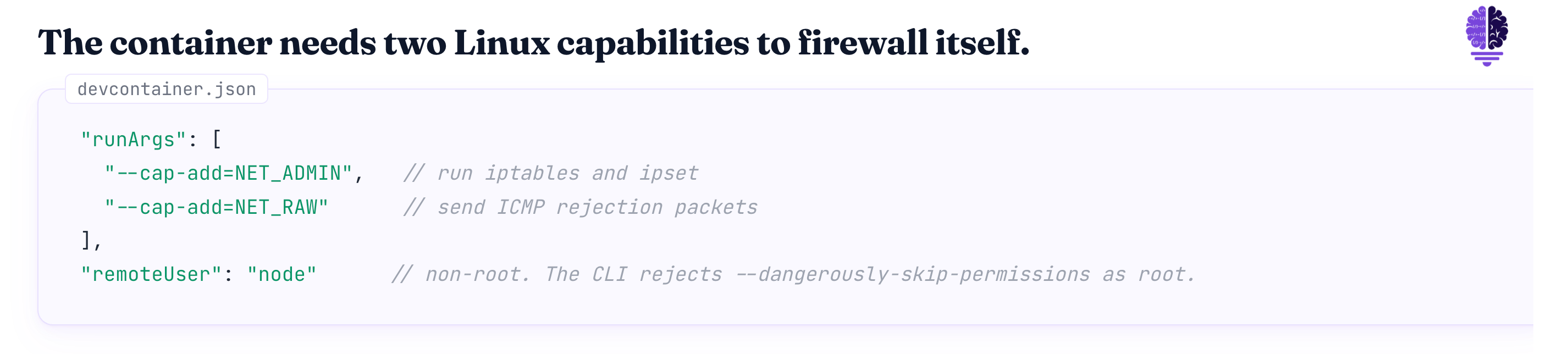
One thing to know about the config. The firewall must use iptables, so the container needs extra Linux capabilities to launch. The reference devcontainer.json handles this with "runArgs": ["--cap-add=NET_ADMIN", "--cap-add=NET_RAW"]. NET_ADMIN lets the container run iptables and ipset. NET_RAW lets it send ICMP rejection packets. Skip those flags and the firewall script silently fails. You get the worst of both worlds. False confidence and no actual isolation.
The container also runs as a non-root user named node. Anthropic’s docs note that the CLI rejects this flag when launched as root. That’s not a quirk. That’s a deliberate guardrail.
My Workflow Now: Confident YOLO, Bounded Damage
Before the container, I ran Claude Code on my host and approved every tool call. I was slow. I was also still nervous. Approval fatigue is real. Click approve enough times and you stop reading.
After the container, the agent runs unattended for twenty-minute stretches with --dangerously-skip-permissions on. I check back when it’s done. My host stays clean. My SSH keys never get within arm’s reach of the model.
And this isn’t me freelancing. It’s exactly what Anthropic tells you to do. Since the container runs Claude Code as a non-root user and limits command execution, you can use --dangerously-skip-permissions for unattended operation.
What still happens on my host? Real credentials. Git pushes with my SSH key. Deploys. Anything that needs trust I can’t recreate. The container is for work. The host is for trust boundaries that matter.
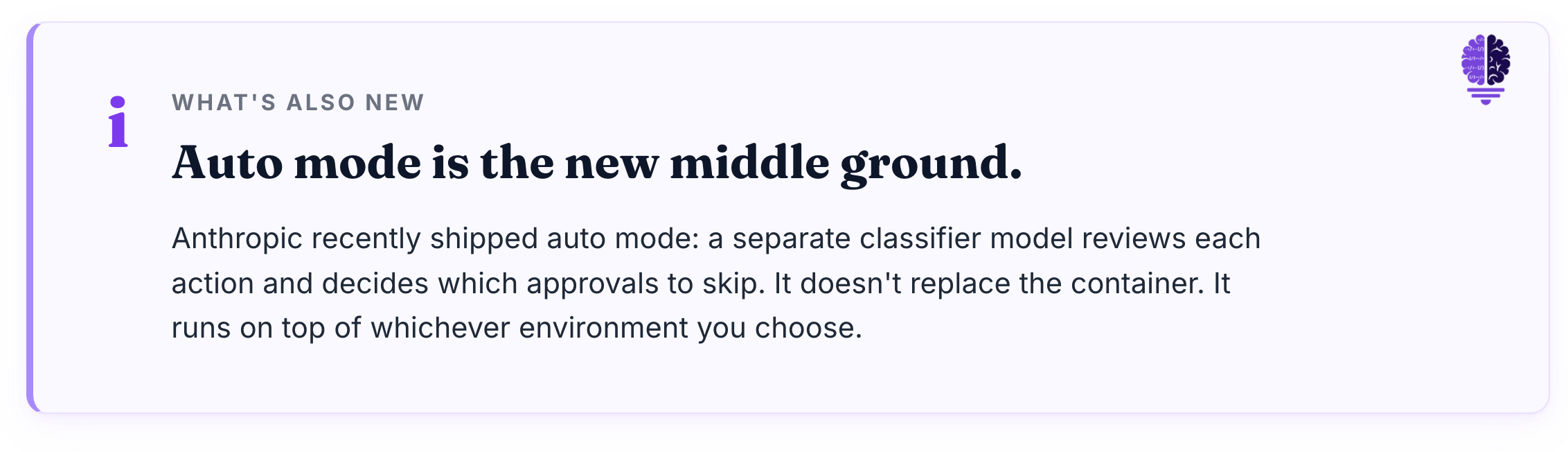
A note on what’s coming. Anthropic recently shipped “auto mode” as a middle-ground option. A separate classifier checks each action before it runs. It decides which approvals to skip. That’s a great addition. It doesn’t replace the container. It works in any environment you pick. The container is still the best choice for running untrusted code without supervision.
Cheers friends,

Eric Roby
Find me online: